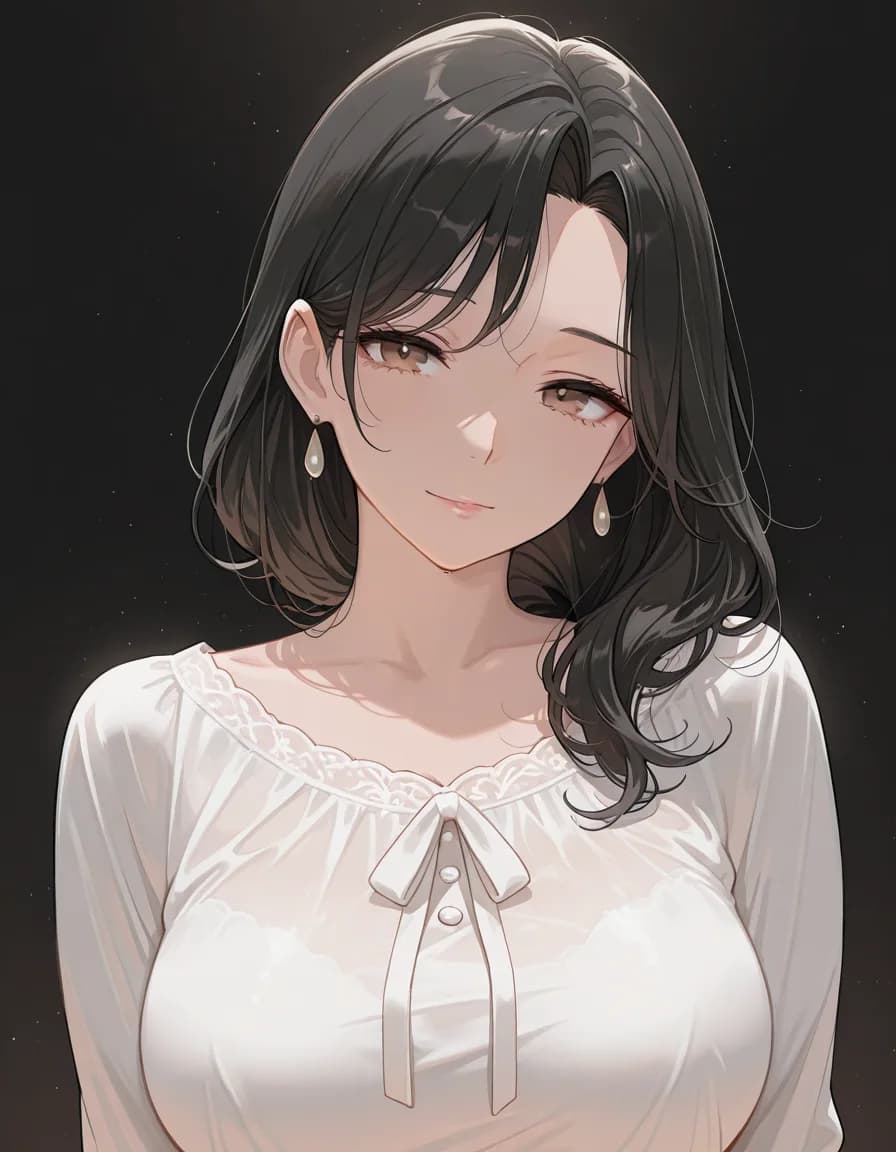
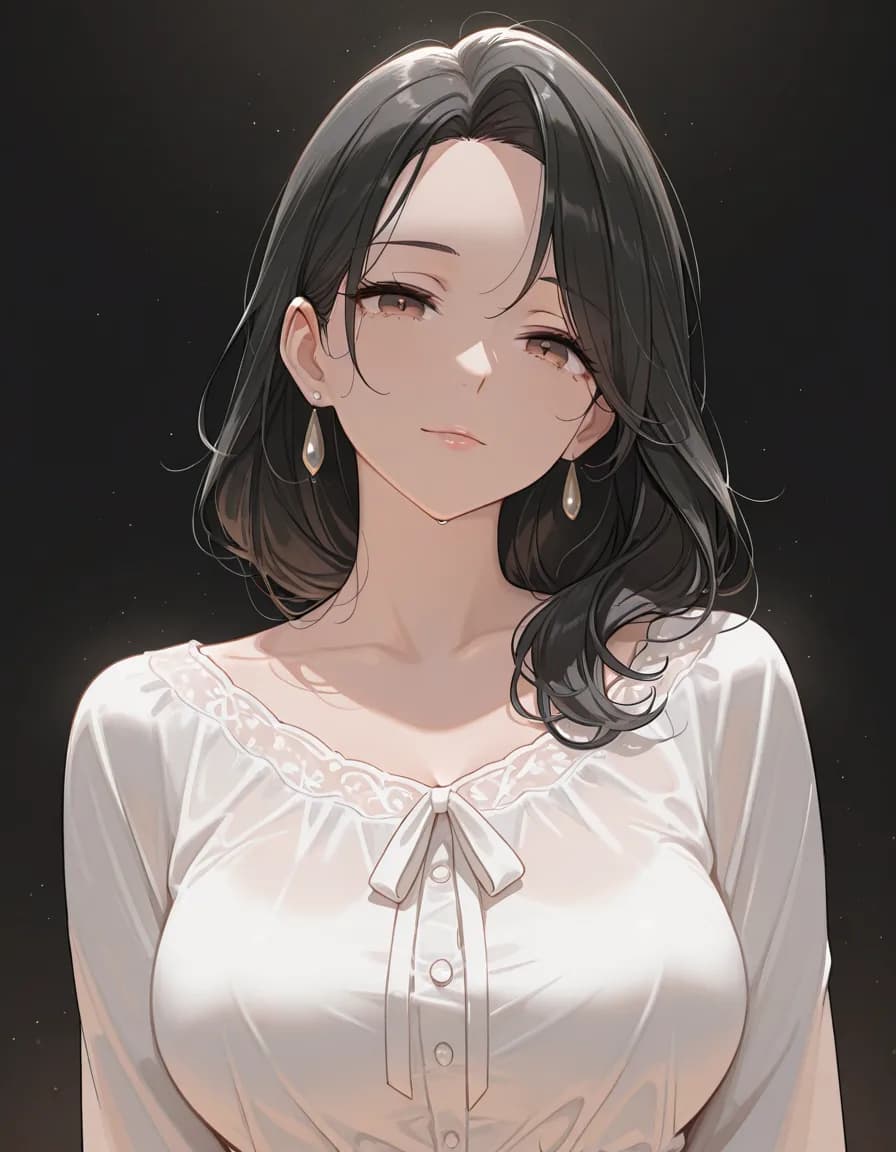
hard lighting
Hard Lighting
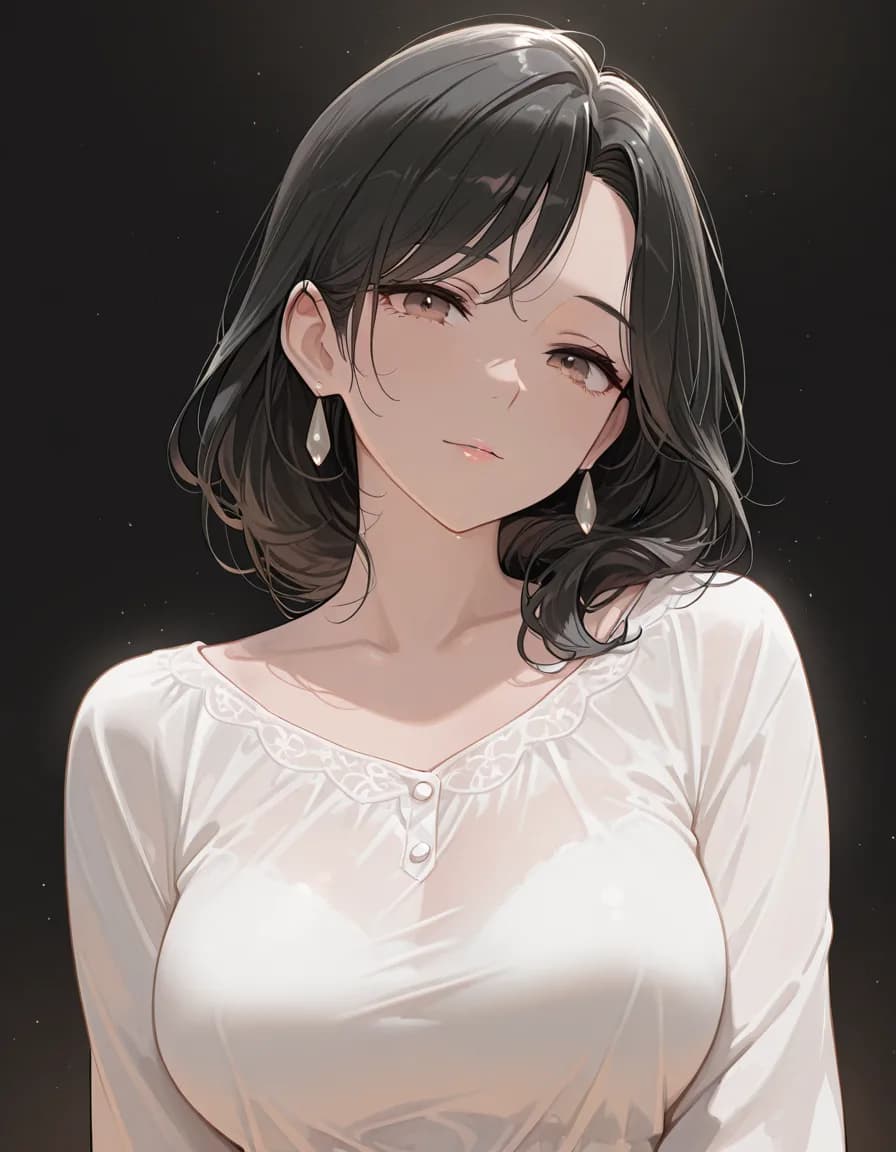
What this cut shows
No rim, and the contrast is about the same as the other front-lit cuts; the crisp shadows of a hard light did not appear.
A closer look
Despite the name, contrast did not rise and the shadow edges did not sharpen. Next to the rim_light and edge_lighting cuts the brightness and shading are nearly the same, the shadow under the jaw is just as soft, and the folds of the blouse are, if anything, the smoothest of the three. If you wanted the crisp shadows of a hard light, this tag did not produce them. The blouse has no ribbon here, only buttons below a lace-trimmed neckline.
Prompt (copy as-is)
Prompt (copy as-is)
masterpiece, best quality, amazing quality, very awa, 1girl, solo, mature female, adult woman, short black hair, brown eyes, white blouse, upper body, dark studio, black background, hard lighting
Negative prompt
school uniform, pleated skirt, blazer, serafuku, child, loli, teenage, bad quality, worst quality, worst detail, sketch, censor, jpeg artifacts, watermark, signature, text, extra limbs, bad hands, bad anatomy
Only the final tag separates this prompt from the other cuts in the set.
Tap a tag to carry it over to the builder
Generation settings
- Checkpoint
- rinFlanimeIllustrious_v30
- Sampler
- euler_ancestral/normal
- Steps
- 28
- CFG
- 5
- Size
- 896×1152
- Seed
- 777002
These settings come from a single Stable Diffusion family checkpoint. Pasting elsewhere, translate the sampler name and step count to that tool.