greyscale
Greyscale
What this cut shows
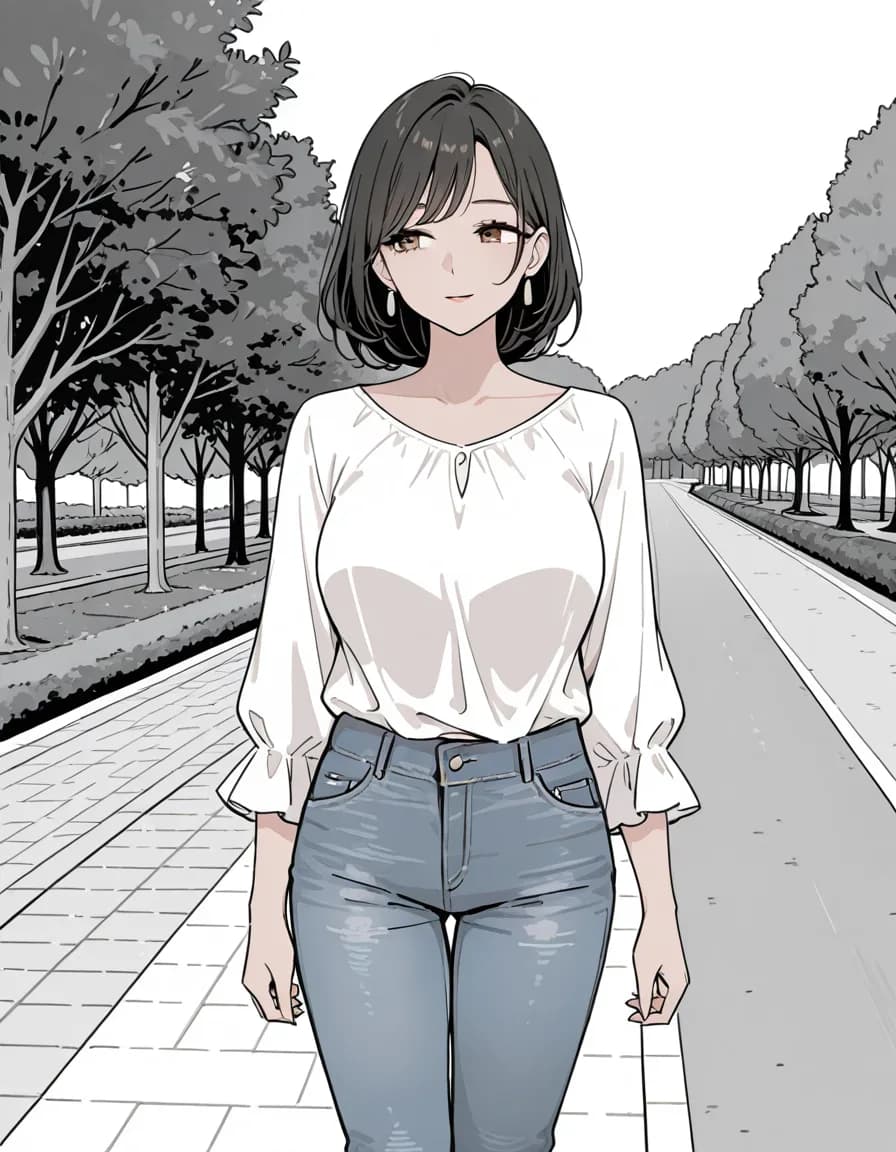
The background loses all colour, but a faint blue stays in the jeans and a warm tint in the eyes and skin. The biggest change of the four.
A closer look
The background loses its colour completely, but the figure keeps a little: the jeans stay a faint blue, and the eyes and skin hold a warm tint. So if you need a truly colourless image, this tag alone fell short here. It changed more than colour, too, switching to heavy black ink lines and white fills like a manga page, the biggest change of the four. A second, wider grey road with a white edge line appears on the right.
Prompt (copy as-is)
Prompt (copy as-is)
1girl, solo, mature female, adult woman, short black hair, brown eyes, white blouse, blue jeans, standing, park path, greyscale
Negative prompt
school uniform, pleated skirt, blazer, serafuku, child, loli, teenage, bad quality, worst quality, worst detail, censor, jpeg artifacts, watermark, signature, text, extra limbs, bad hands, bad anatomy
Only the final tag separates this prompt from the other cuts in the set.
Tap a tag to carry it over to the builder
Generation settings
- Checkpoint
- rinFlanimeIllustrious_v30
- Sampler
- euler_ancestral/normal
- Steps
- 28
- CFG
- 5
- Size
- 896×1152
- Seed
- 777003
These settings come from a single Stable Diffusion family checkpoint. Pasting elsewhere, translate the sampler name and step count to that tool.